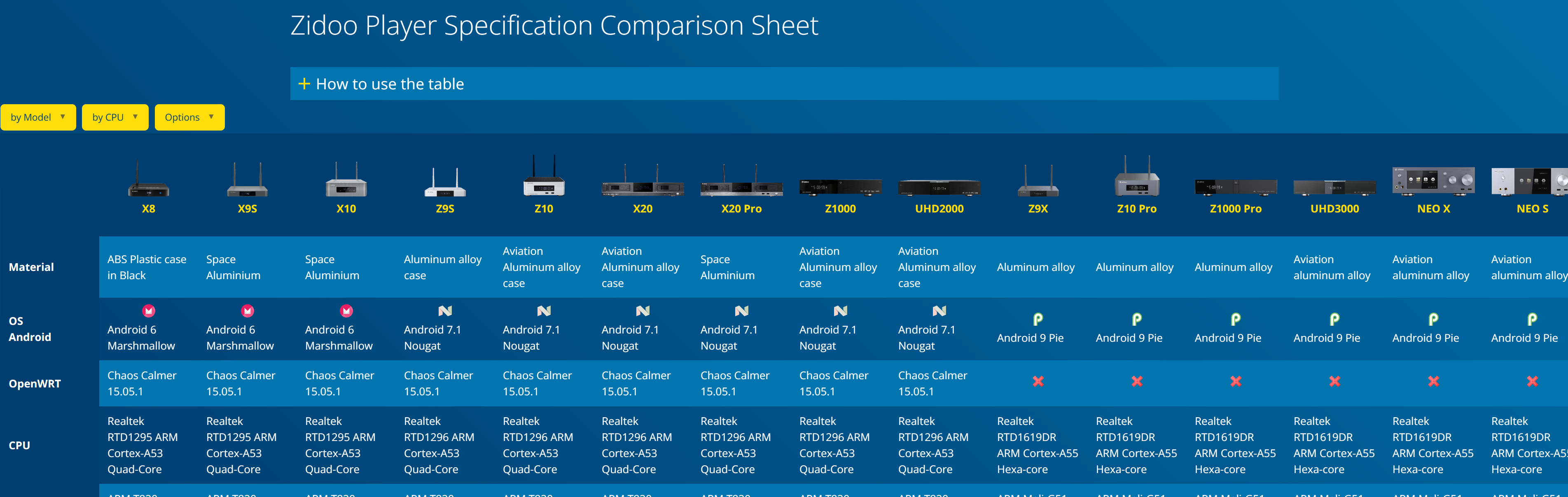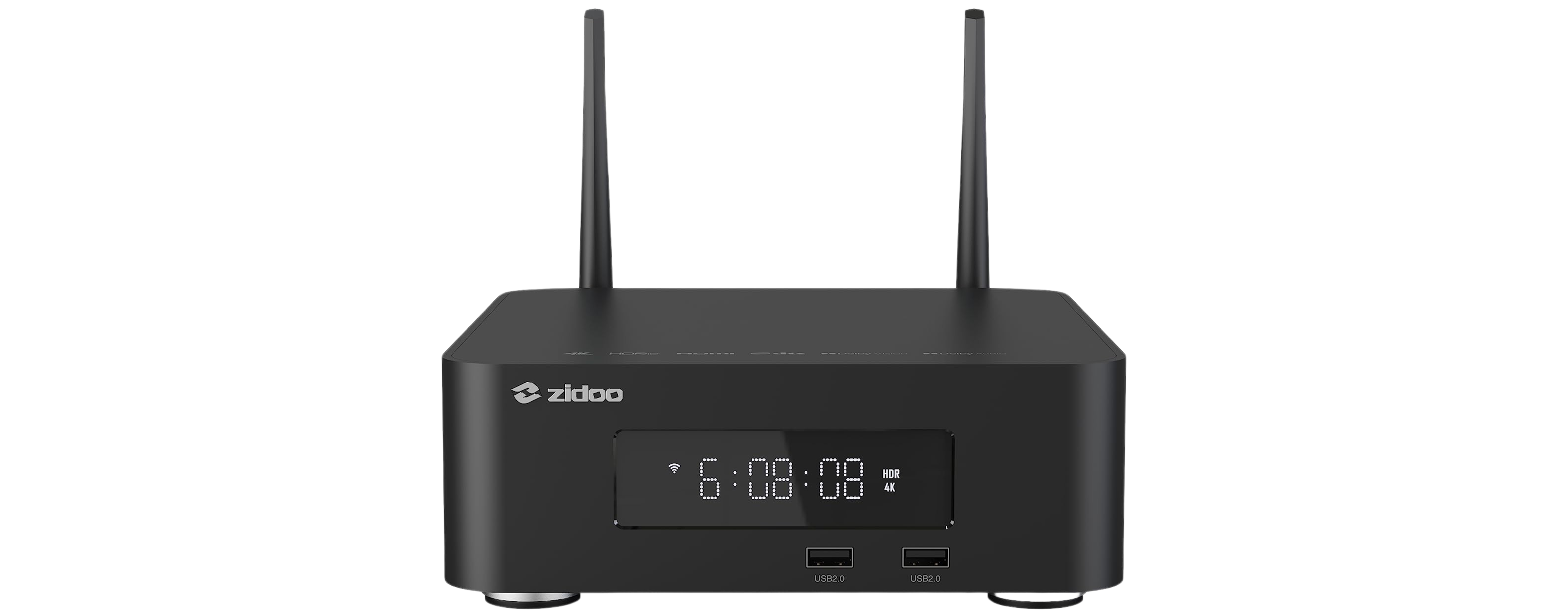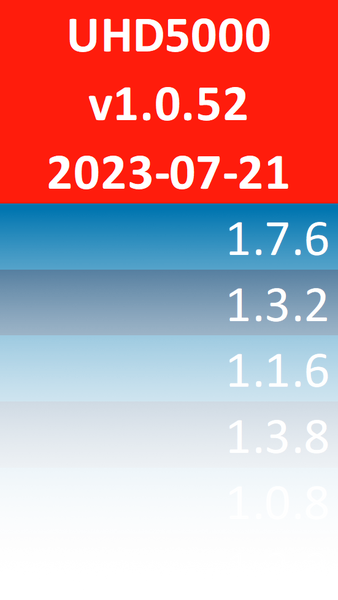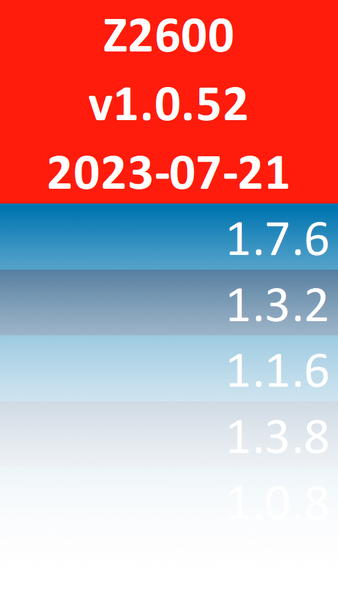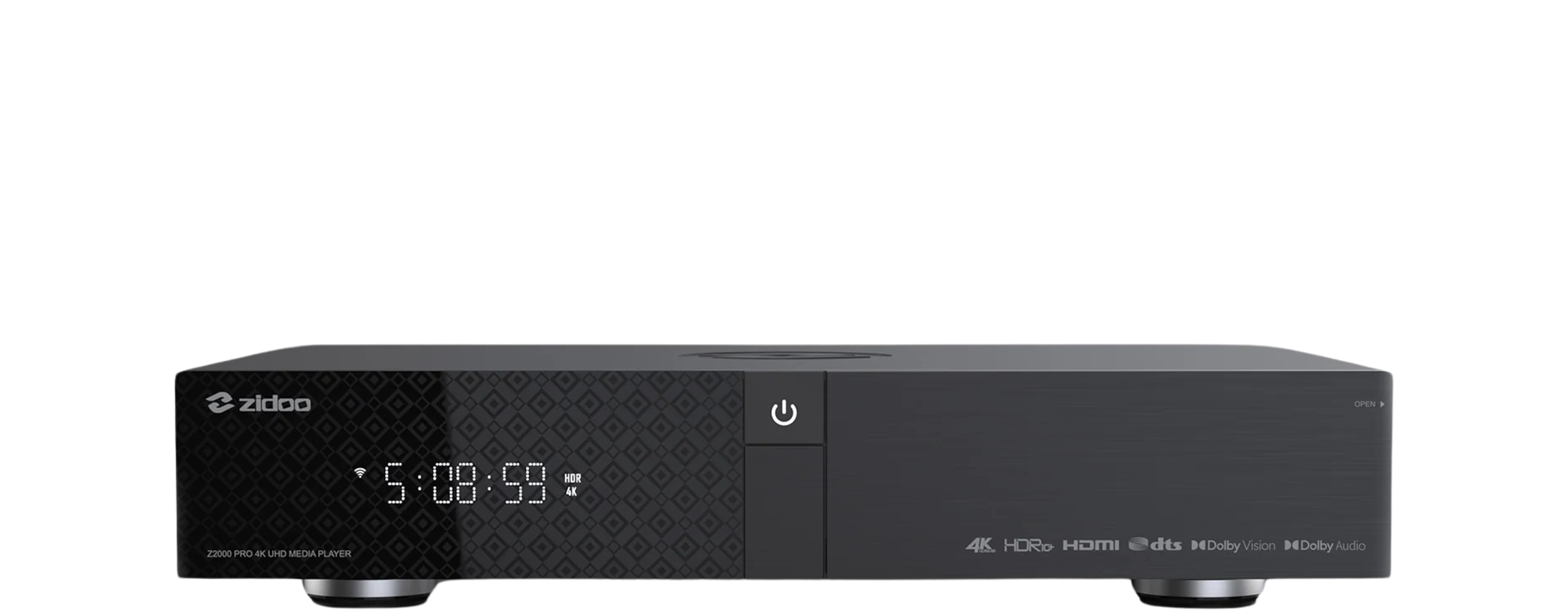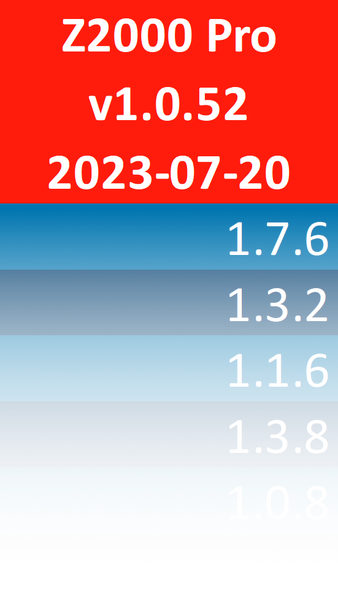
Zidoo released a new beta firmware for their model Zidoo Z9X Pro via OTA.

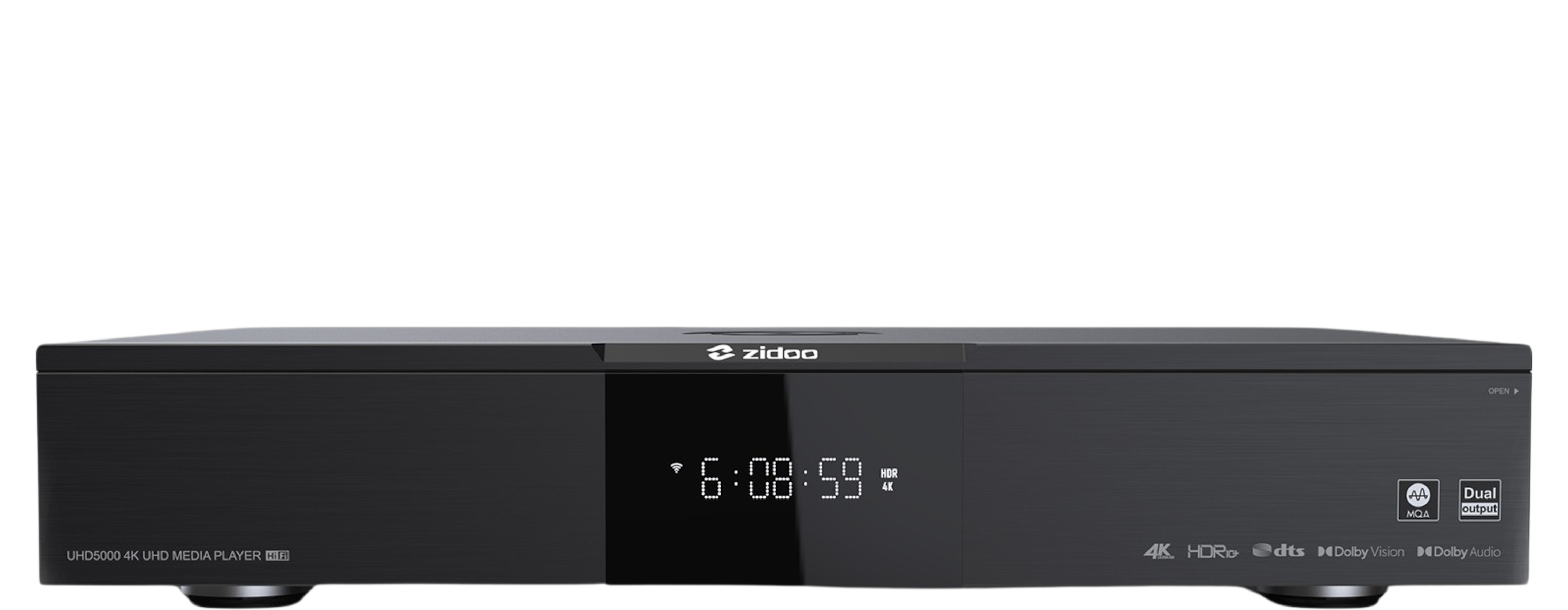
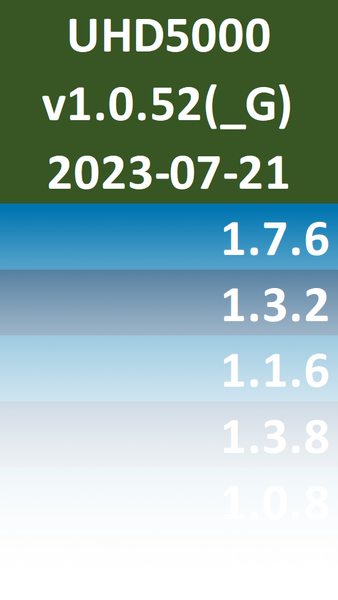
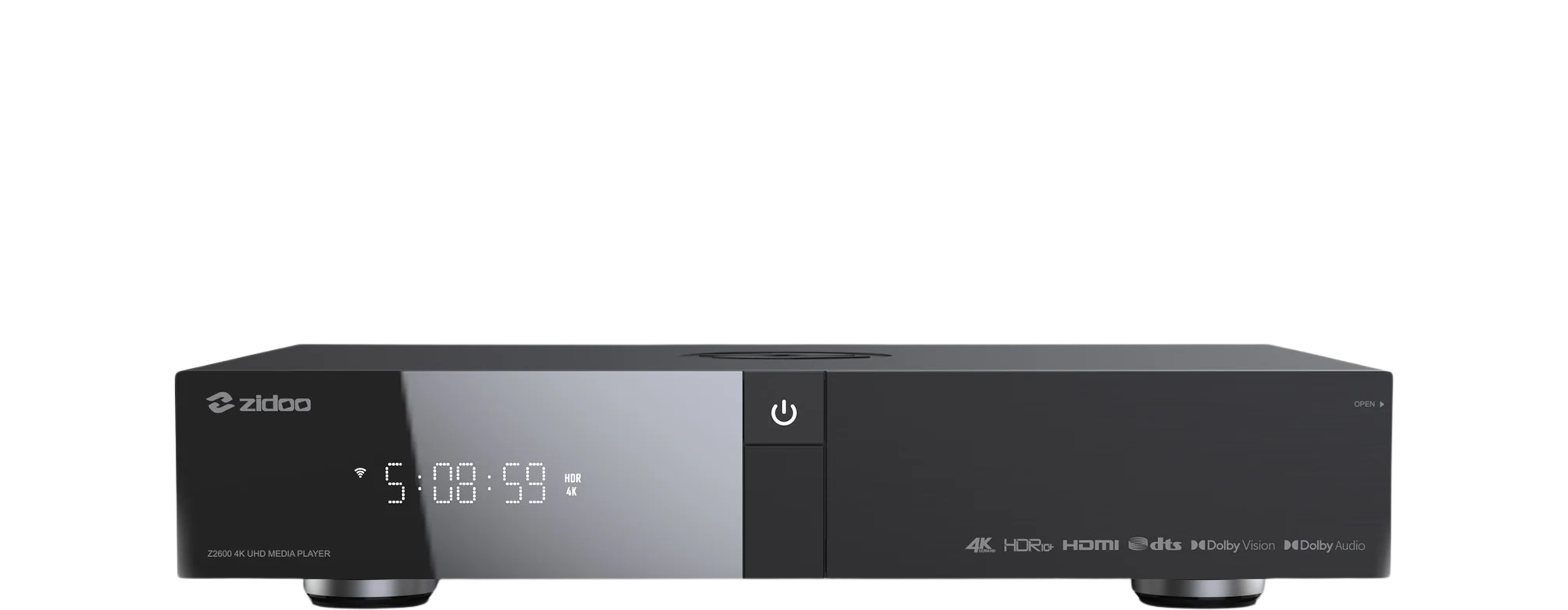
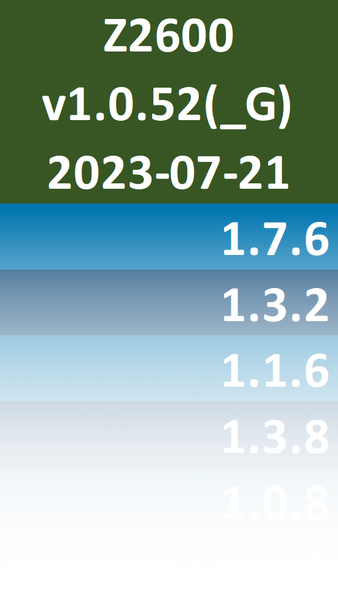
Quick Navigation: Version v1.0.52_G(Google-Apps preinstalled) v1.0.52 Build Date 2023-07-21 2023-07-21 MD5/SHA-256checksum file* Official Download Alternative Download UHD5000 v1.0.52(_G) Based on v1.0.50 1. Optimized system playback stability 2. Optimized system stability Based on v1.0.48 1. Optimized system playback stability 2. Optimized the problem that the subtitles of individual film sources were displayed incorrectly 3. Optimized HDR … Read more
pronounced “screen copy“
This application mirrors Android devices (video and audio) connected via USB or over TCP/IP, and allows to control the device with the keyboard and the mouse of the computer. It does not require any root access. It works on Linux, Windows and macOS.
https://github.com/Genymobile/scrcpy
Successfully tested on the

Testbed
supported by

I’ve leaked new firmware from the Zidoo server for model Zidoo Z9X Pro. I’m posting this only for informational reasons. Install this firmware only if you’re totally nuts.
The purpose of this guide is to show you how to restore your Home Theater data. As precondition, please read the guide “How to use Android Debug Bridge” first. After you’ve opened a connection to your Zidoo player, enter these commands in your (Windows/Linux/Mac) Terminal (not adb shell!): Restore library Open Home Theater and go … Read more
I’ve created a modded APK for the Android 6/7.1 devices.
Successfully tested on the

Testbed
supported by

The purpose of this guide is to show you, how to root your RTD1295 based Zidoo player. To modify the system partition of your Zidoo player, it has to be rooted. As always, use it at your own risk! After reboot, your Zidoo player is rooted.
The purpose of this guide is to show you, how to root your RTD1296 based Zidoo player. To modify the system partition of your Zidoo player, it has to be rooted. As always, use it at your own risk! After reboot, your Zidoo player is rooted.
The purpose of this guide is to show you, how to root your RTD1619DR based Zidoo player. To modify the system partition of your Zidoo player, it has to be rooted. Special thanks go to pcristi for sharing this. As always, use it at your own risk! Requires: – Windows PC to run the batch … Read more
The purpose of this guide is to show you, how to enable and use the Android Debug Bridge (adb)*. To enable USB debugging on your Zidoo player, please read the guide for your corresponding model To get most out of your Zidoo player, you should root your device After you’ve enabled USB debugging, you should … Read more