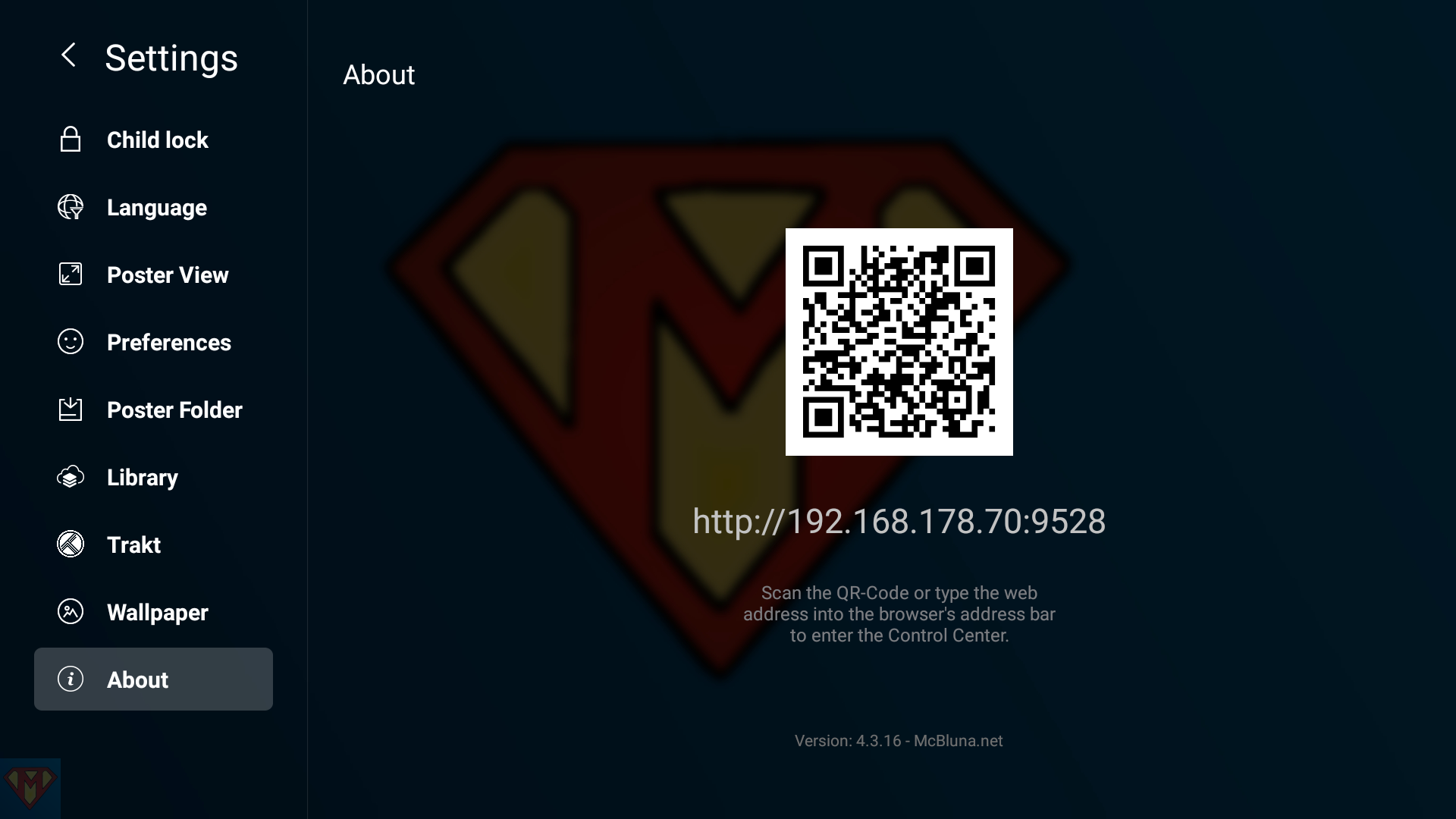

I’ve created a modded APK for the RTD1296 based devices.
Successfully tested on the

Testbed
supported by


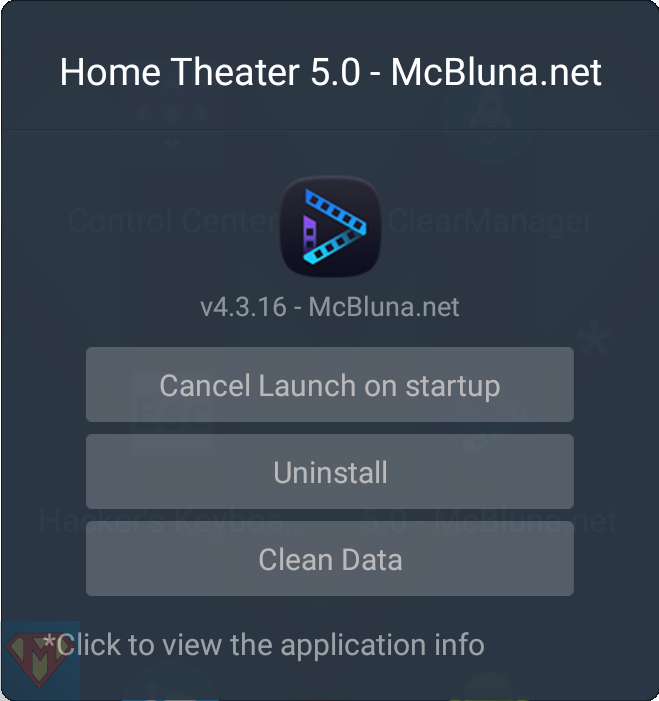
Version
v4.3.16 – McBluna.net (RTD1296)
Release
SHA-256 checksum file*
Download

As always, use it at your own risk!

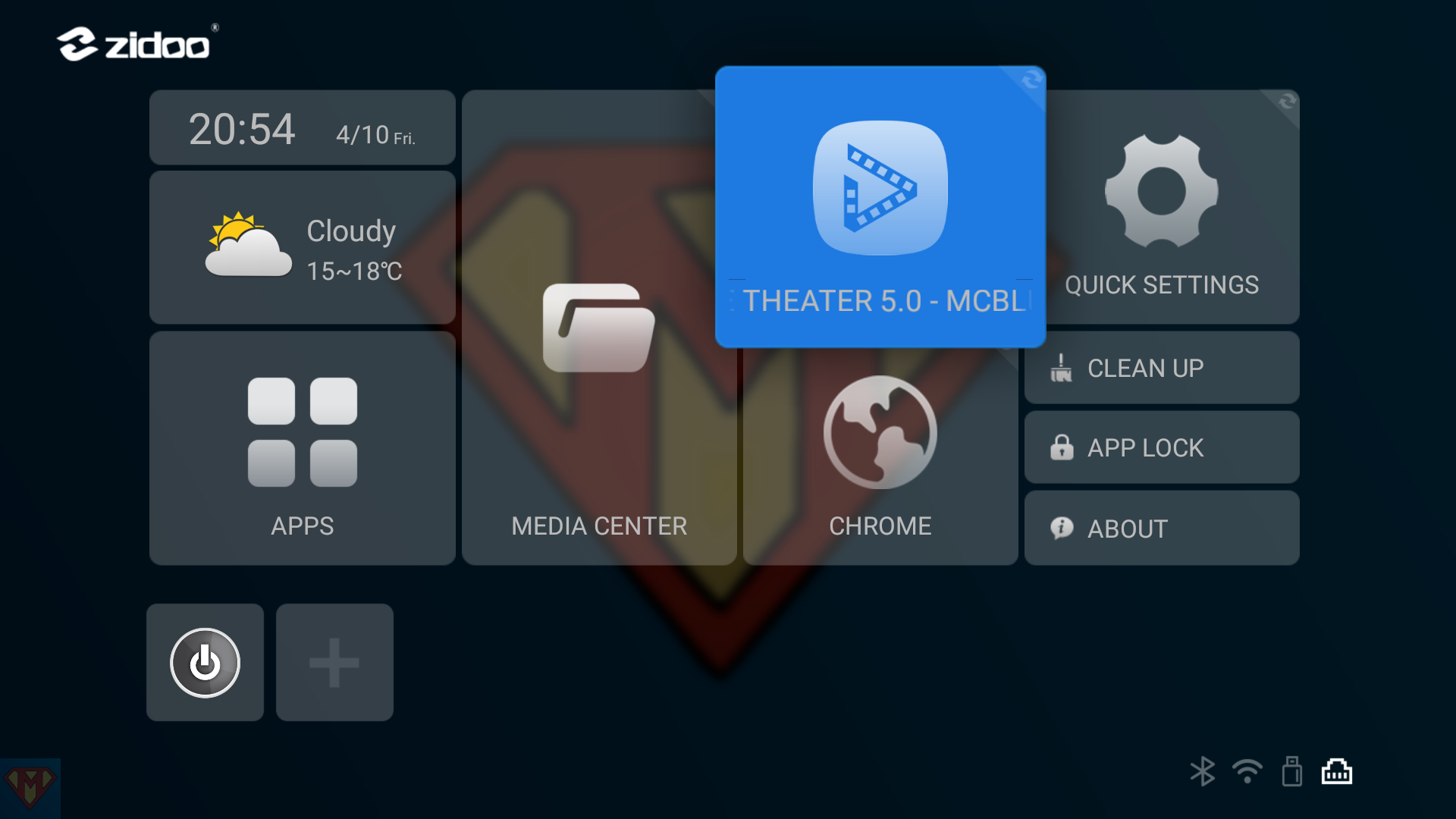
In case it’s the first time you want to install McBluna.net modded Home Theater APK, you’ve to uninstall Zidoo’s Home Theater first. For RTD1296 based Zidoo player, please read the guide “How to uninstall a system application” first.
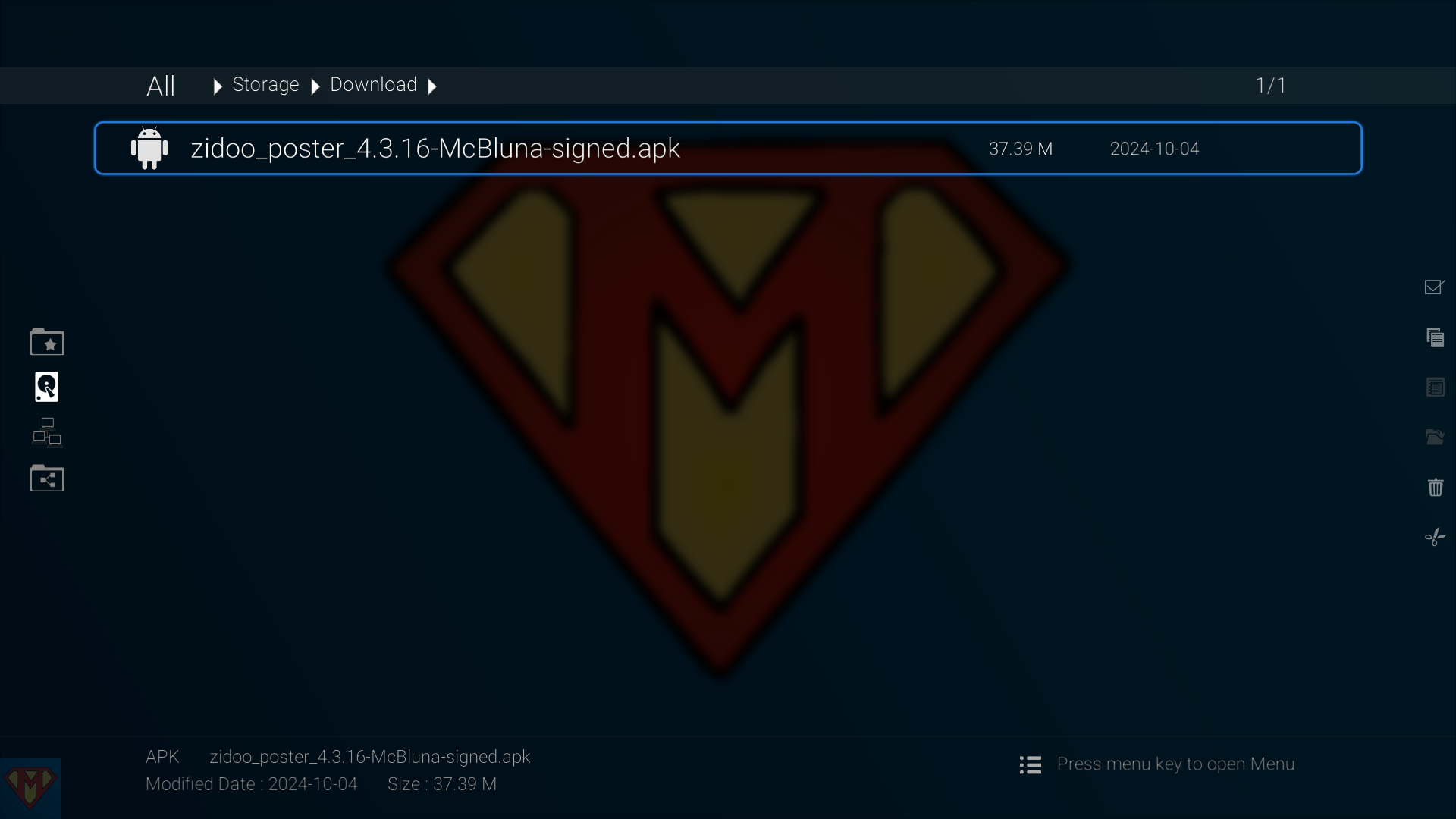
Copy the downloaded APK to Zidoo’s Download folder or a USB stick. Open Media Center and select the APK to install.
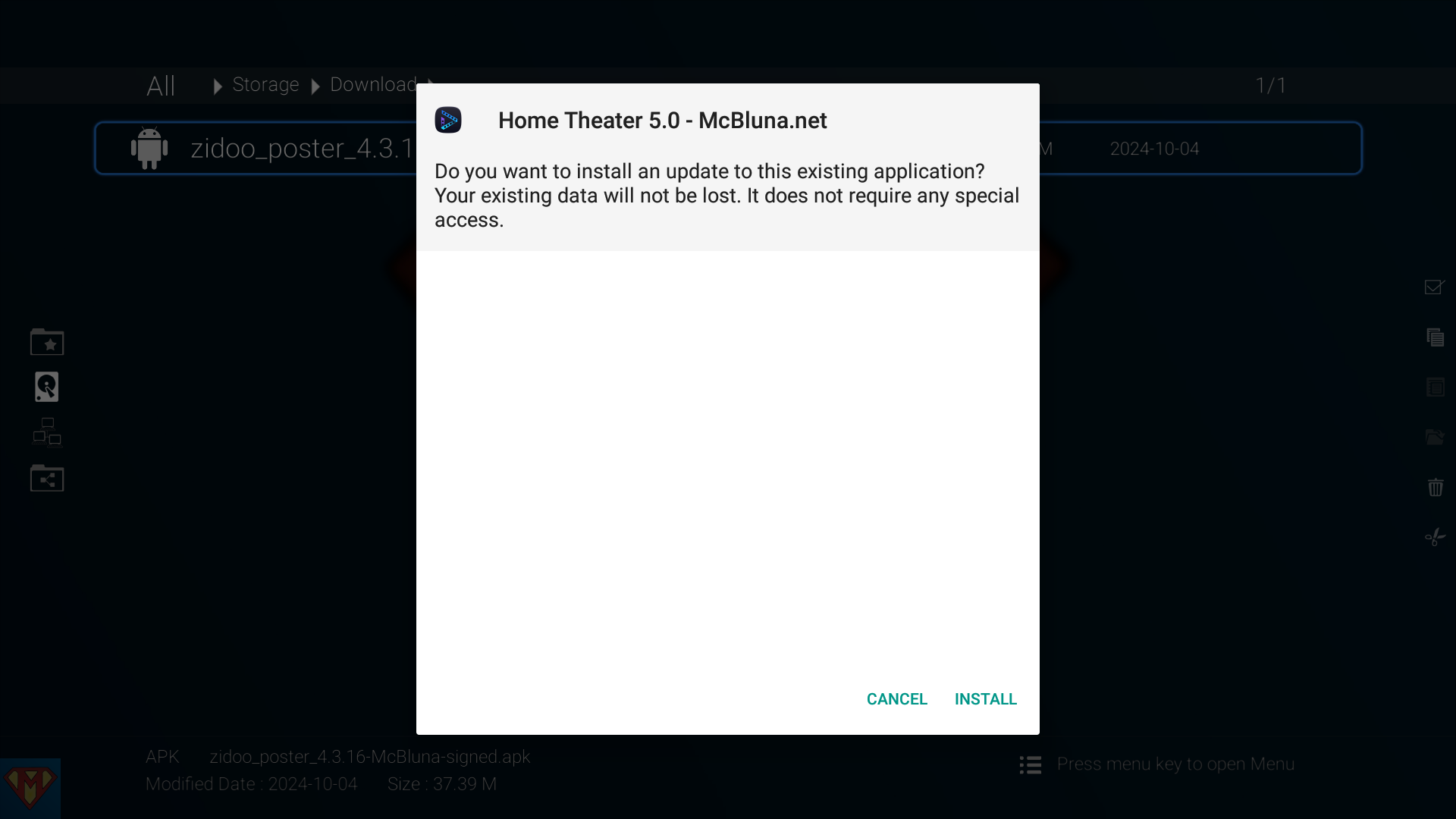
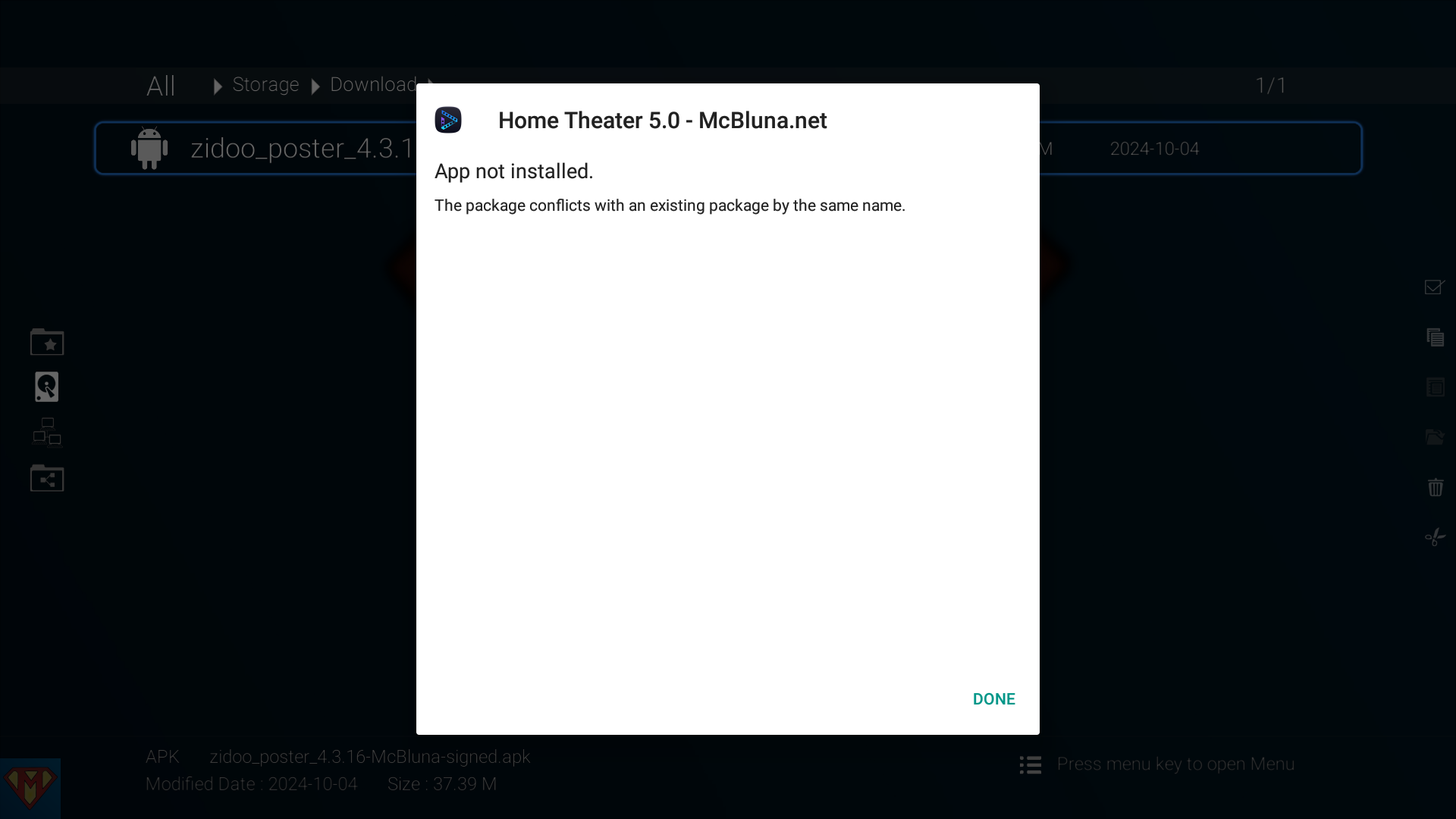
Maybe you get this message …
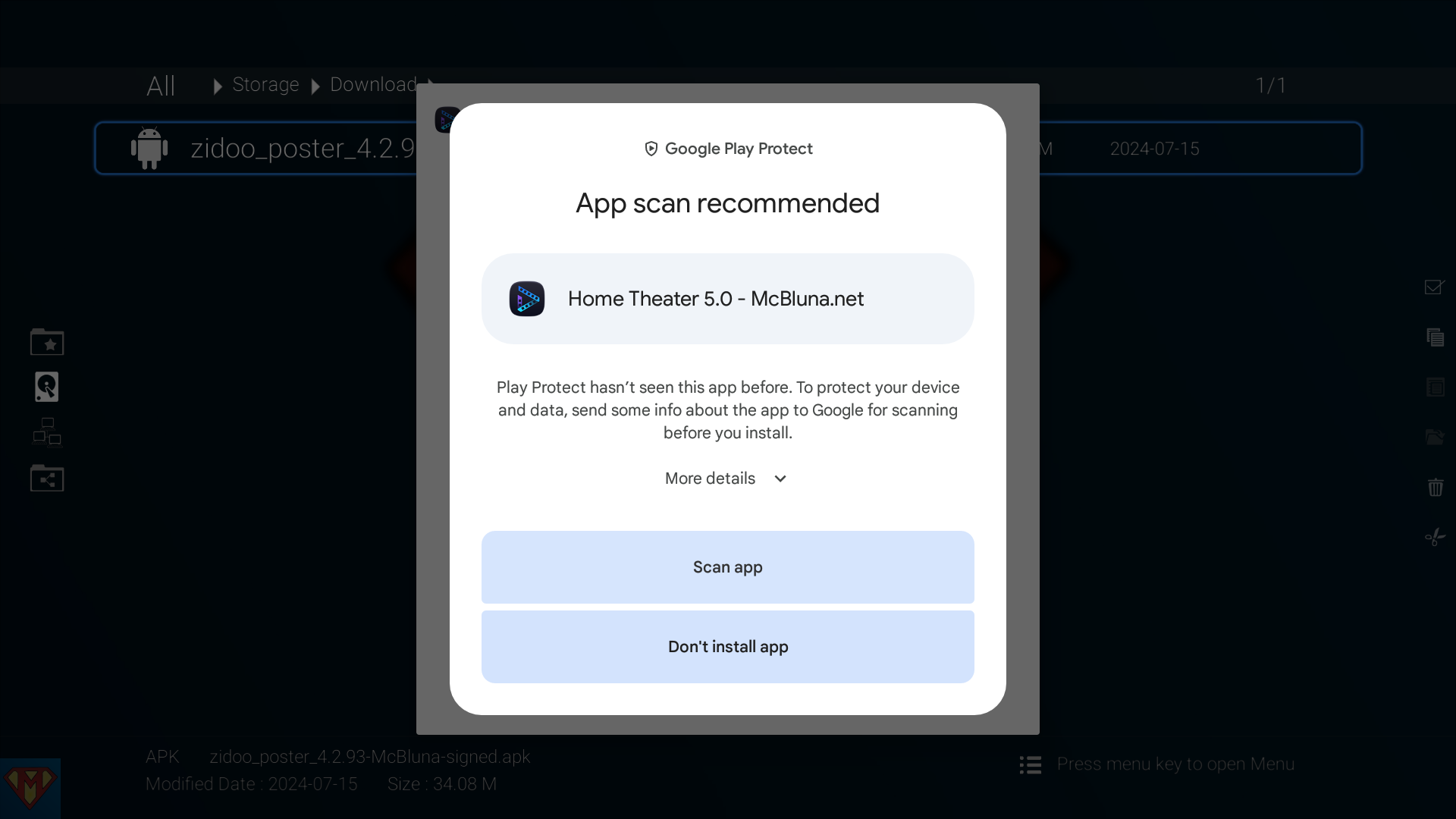
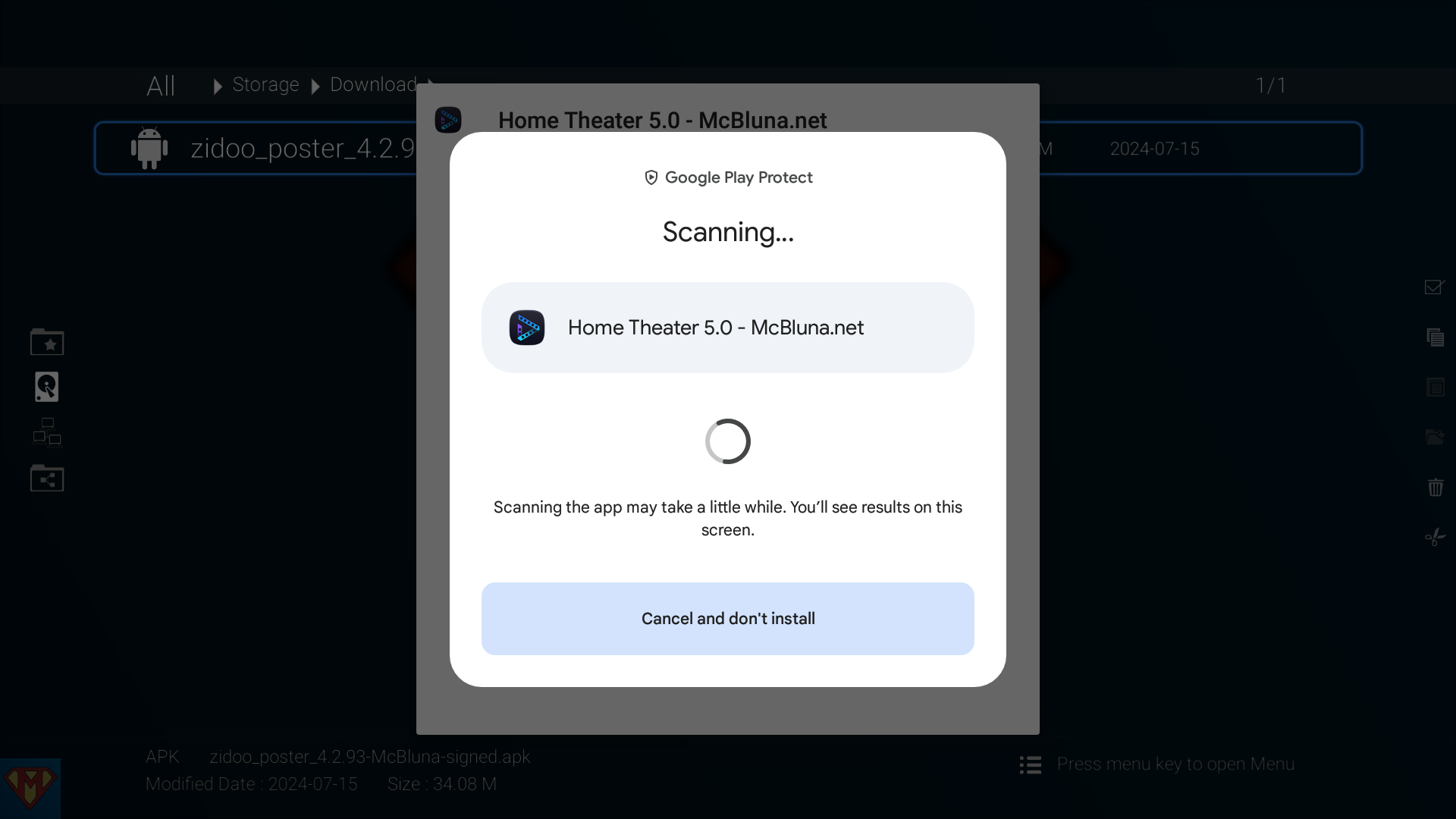
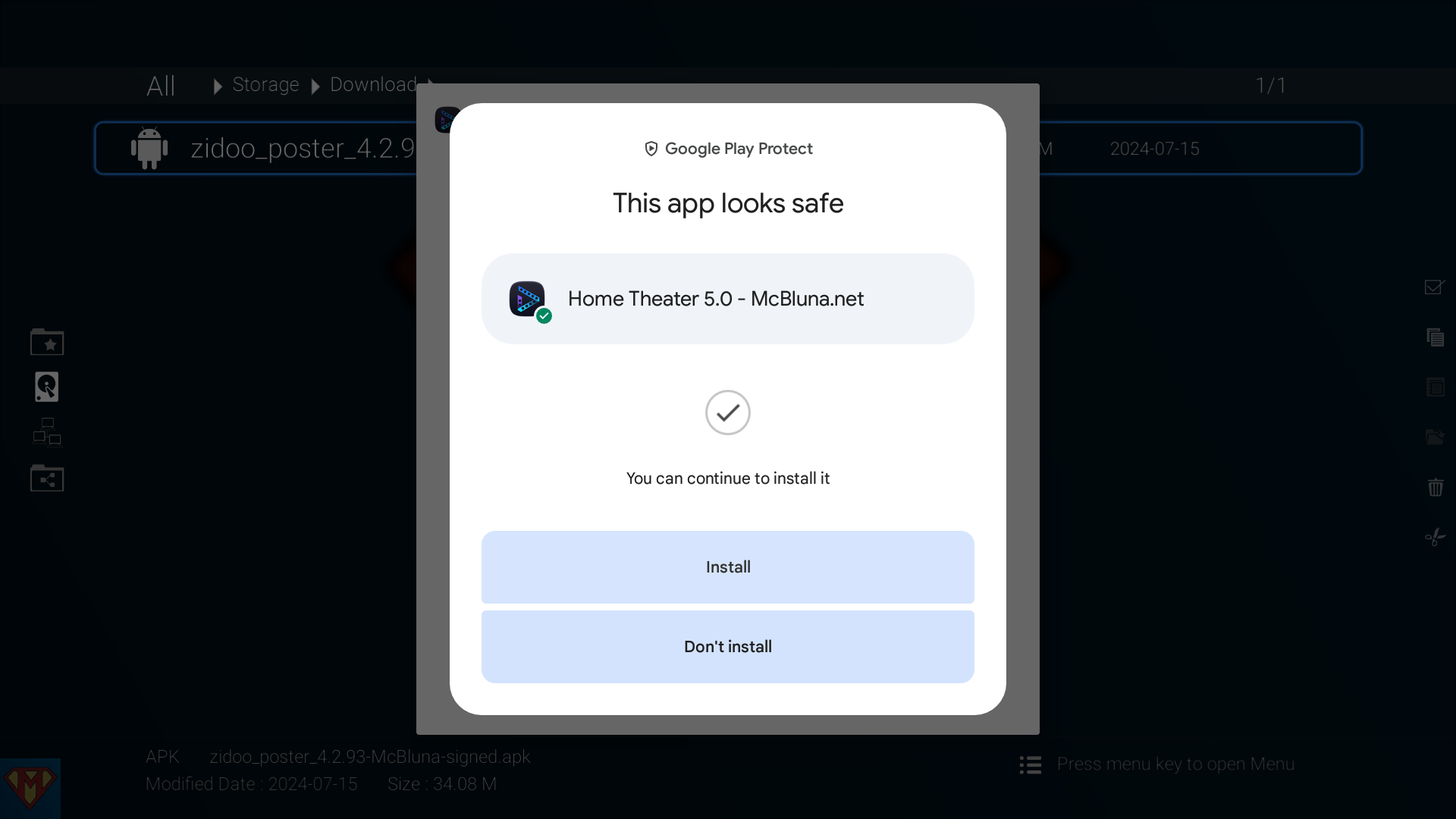
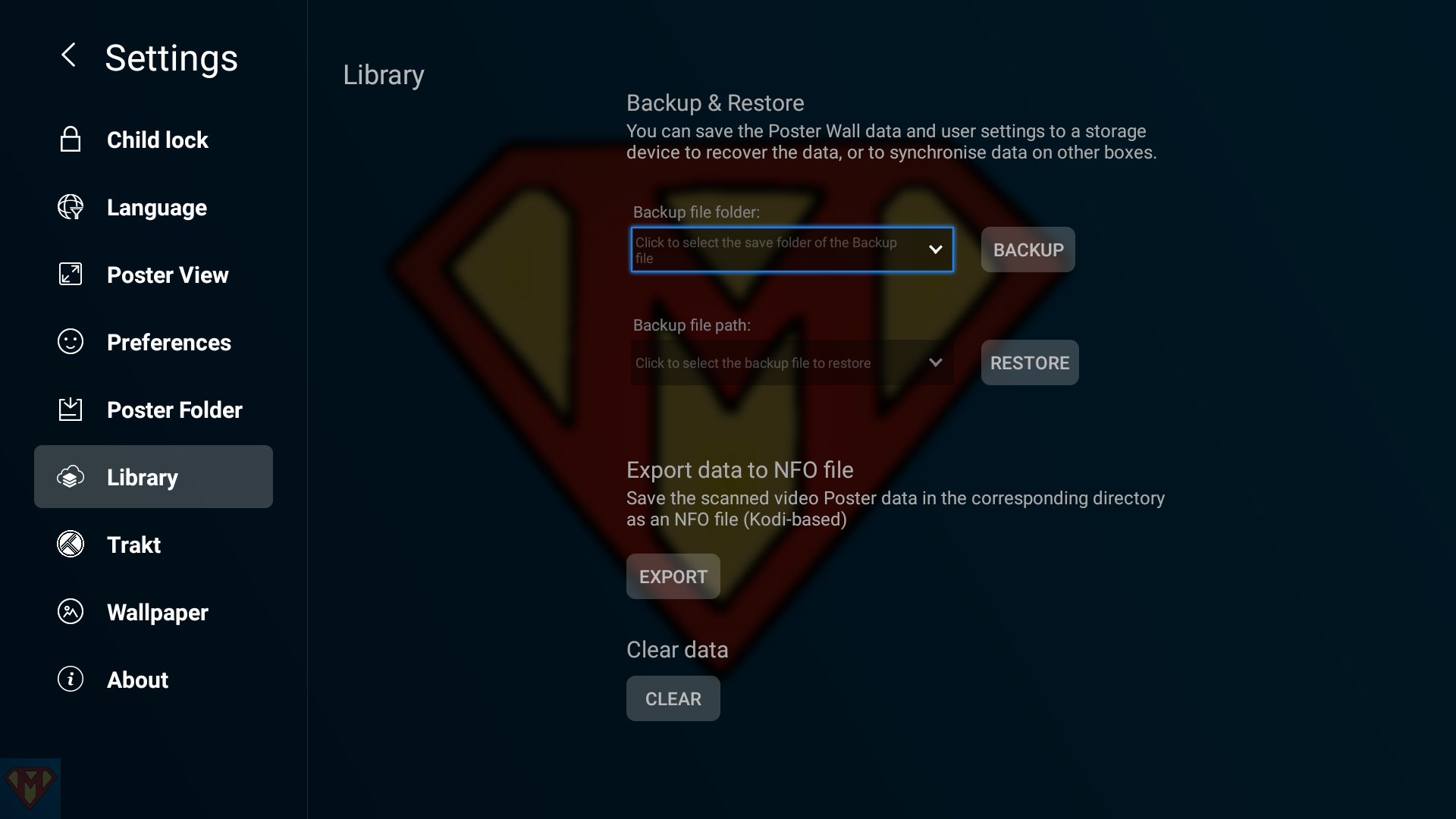
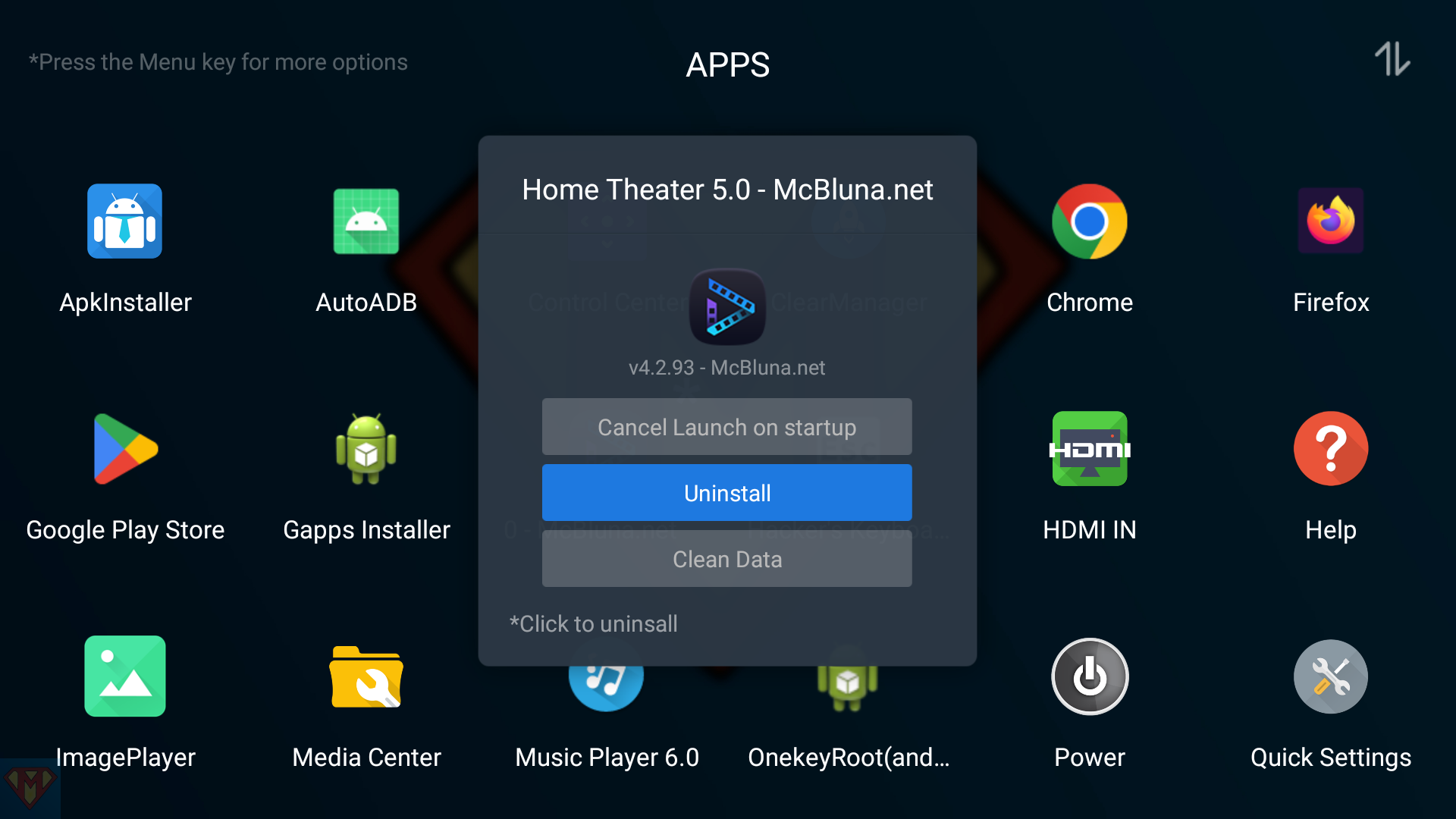
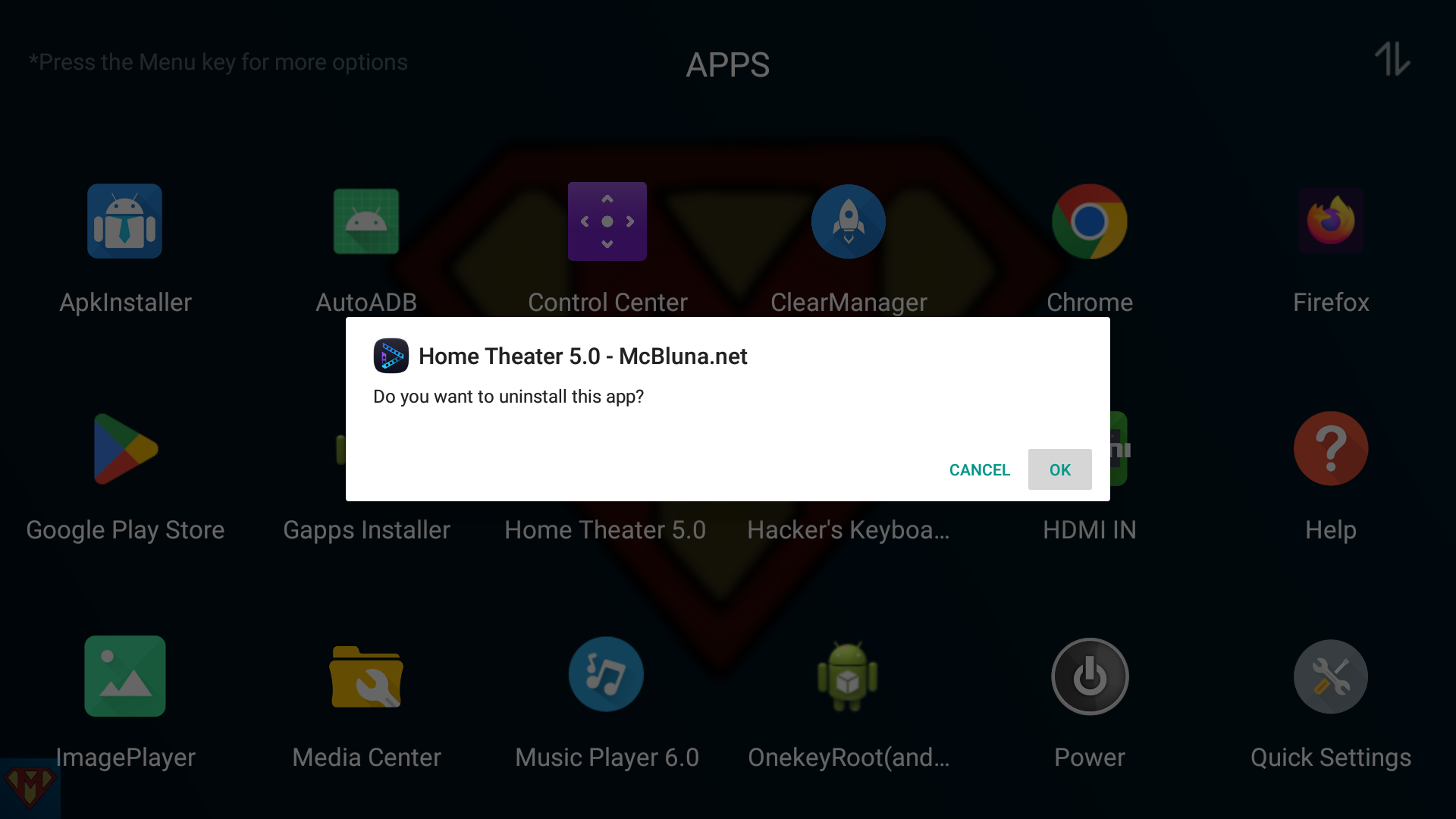
In case you see this message, you’ve to uninstall the previous version first. Please create a backup of your Library before uninstall.
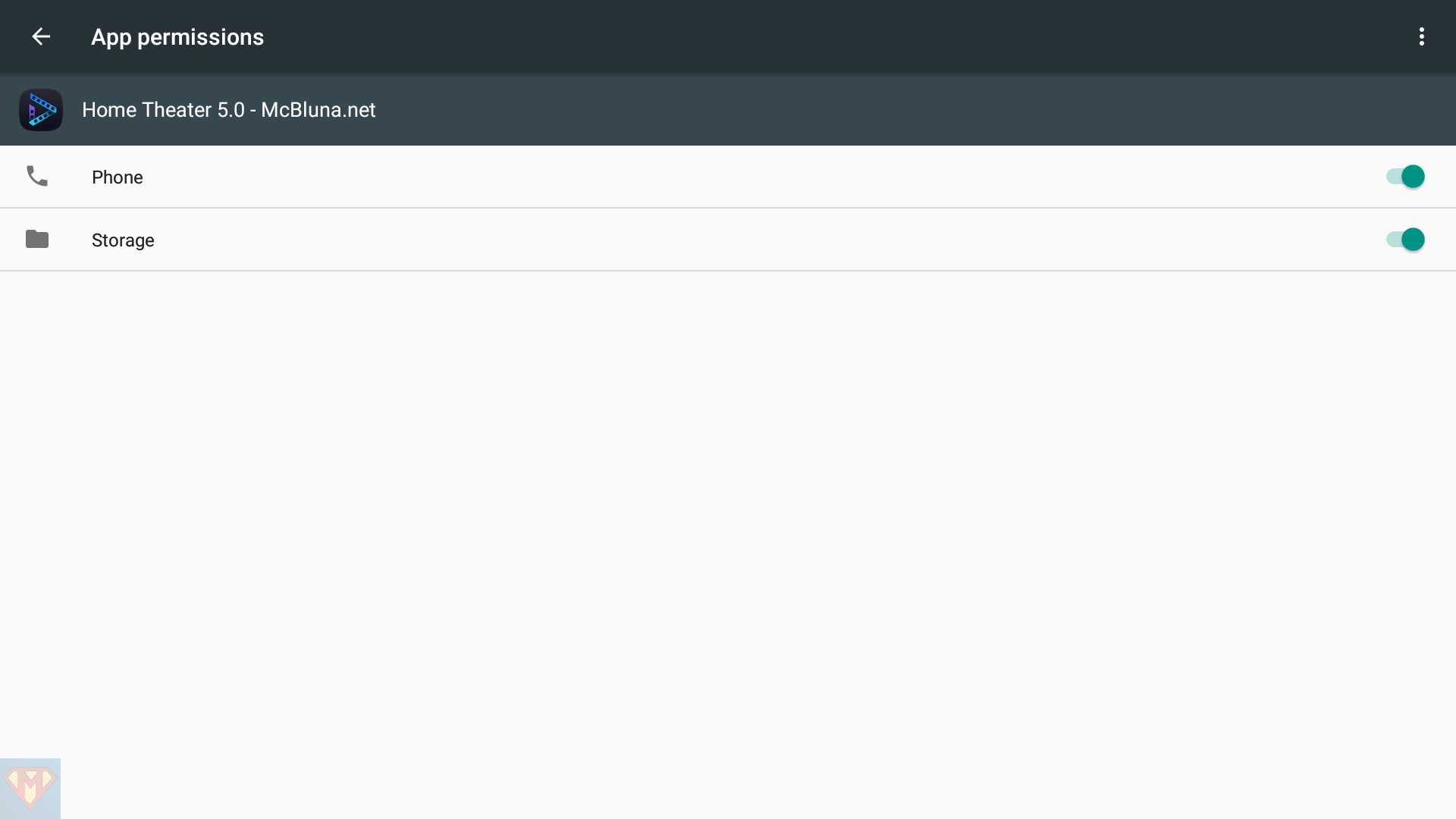
After you’ve successfully installed Home Theater 5.0 – McBluna.net
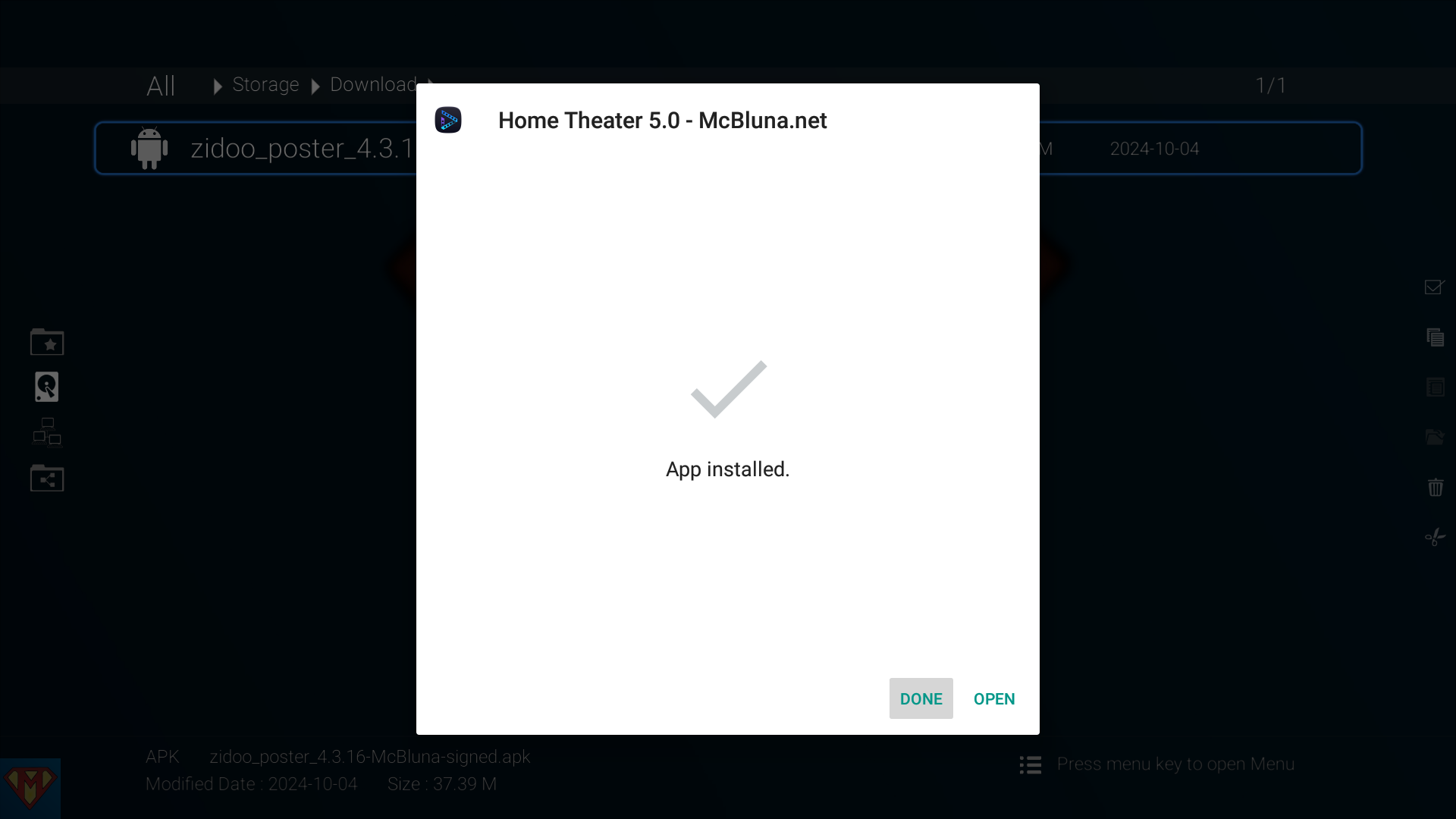
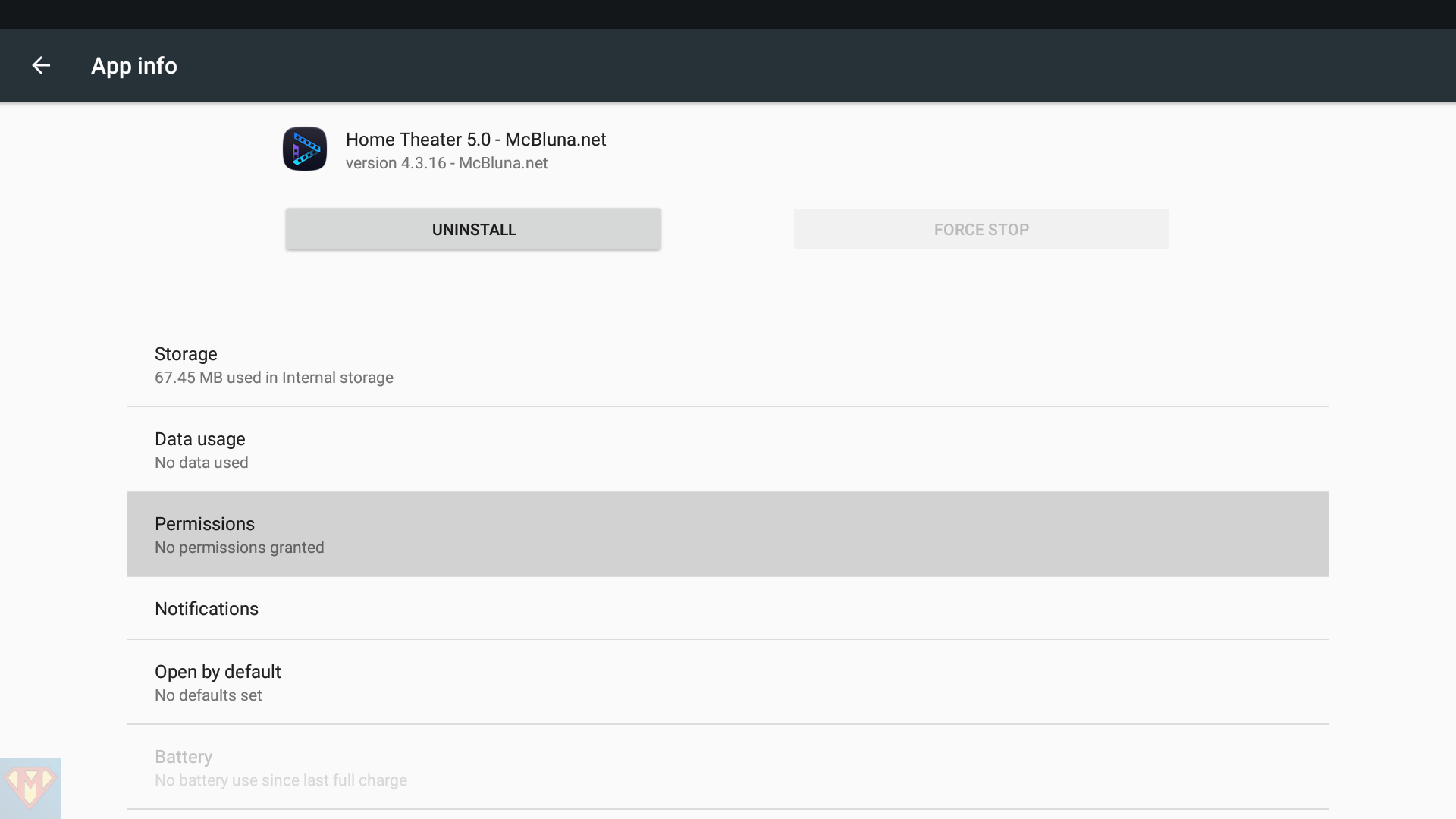
For any reason, the permissions are not set for my modded APKs. Please keep in mind that you’ve to repeat this procedure each time you delete the application data or press the CLEAR button on the Settings/Library page in Home Theater.
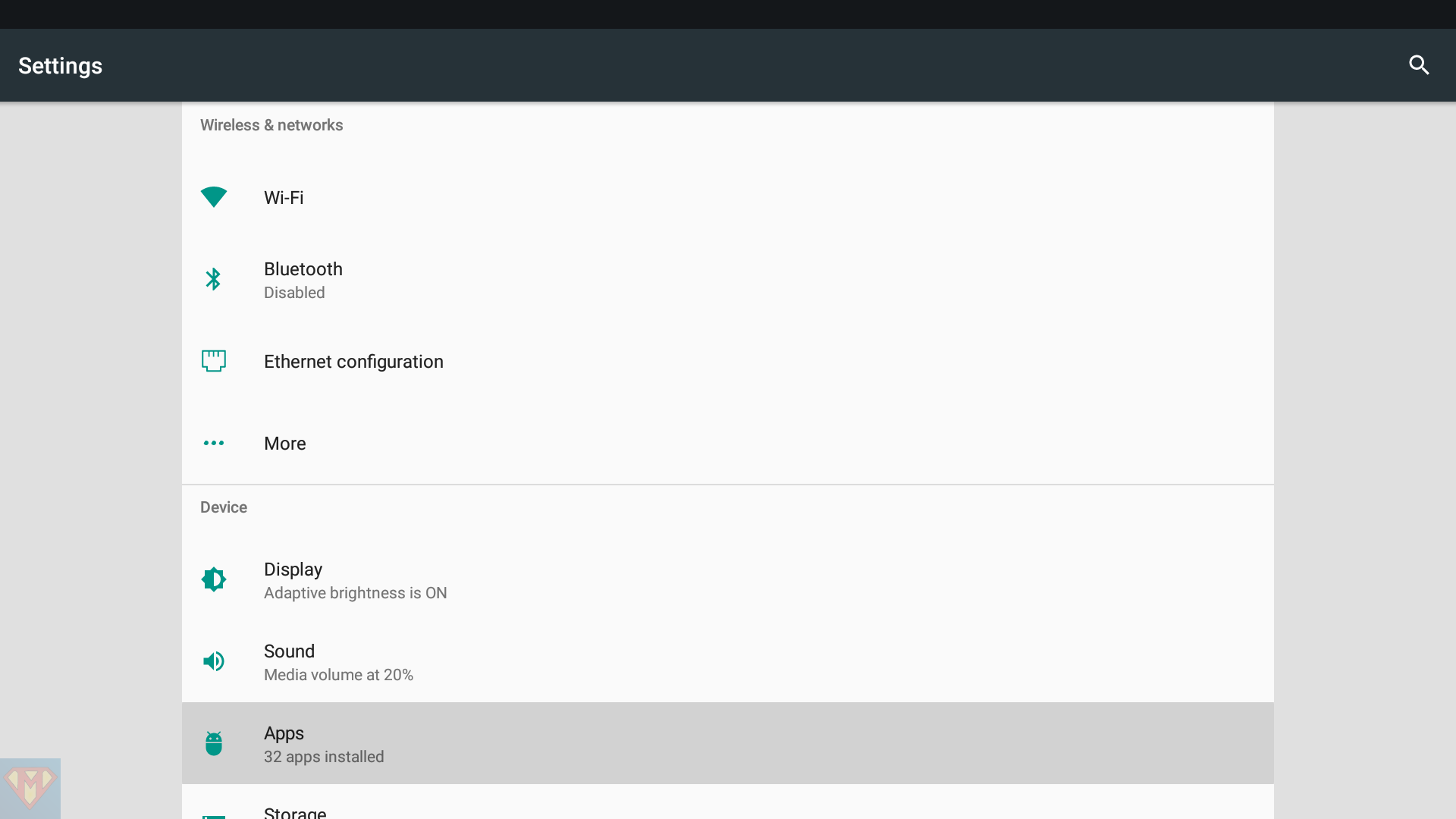
I recommend assigning the System Settings to one of the colored buttons on your remote control for quick access.
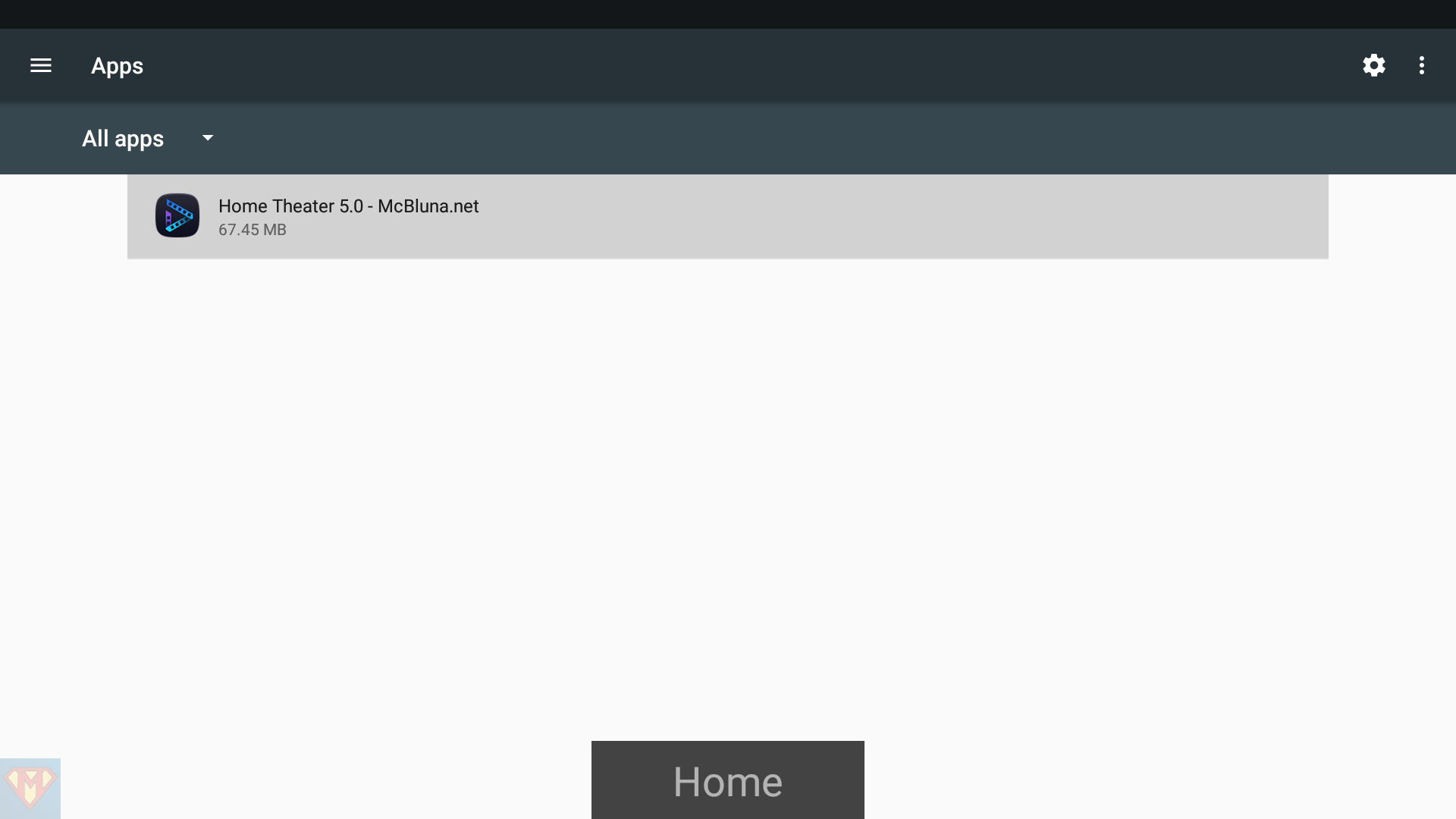
Go to System ➛ Settings ➛ Apps
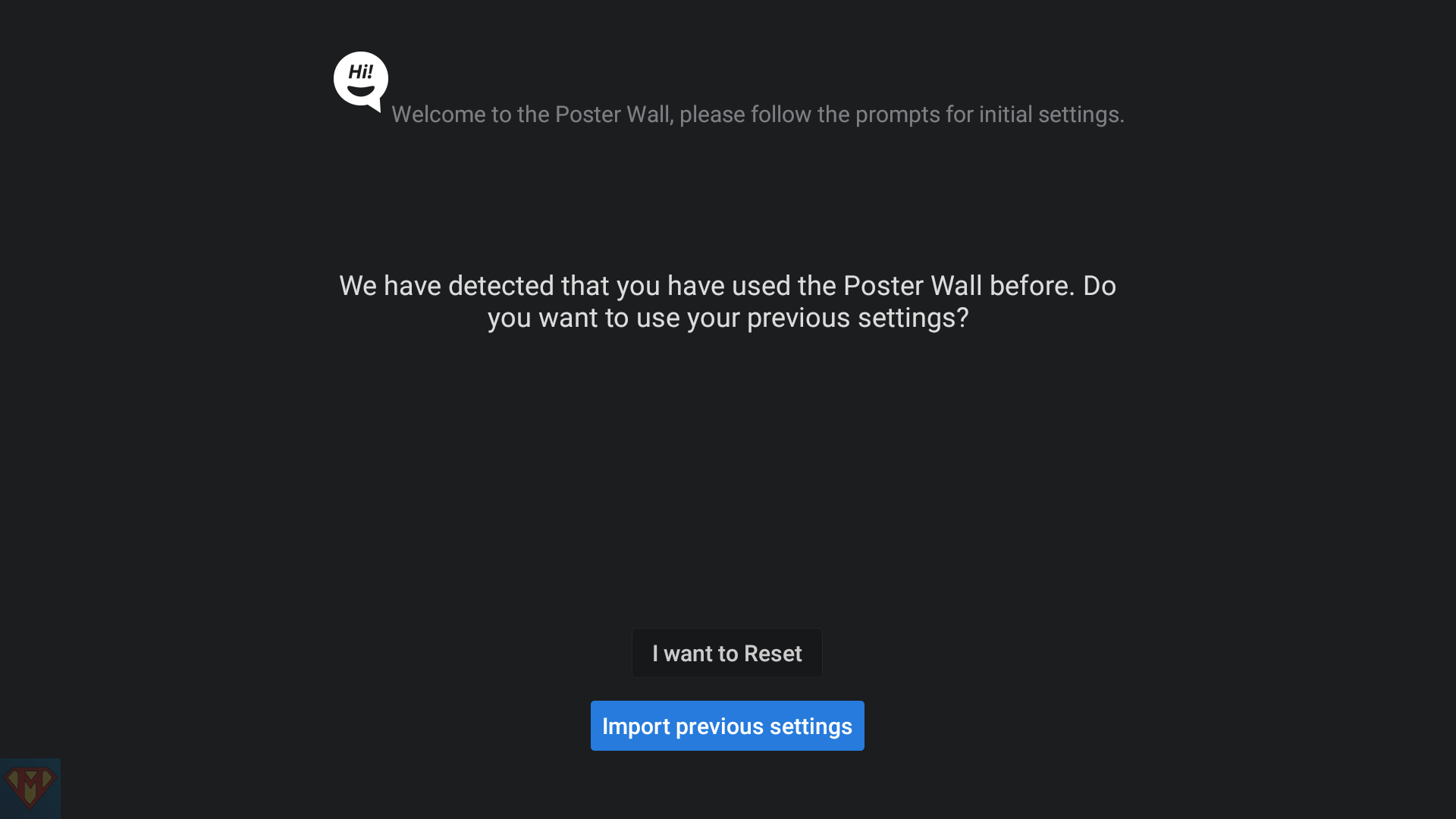
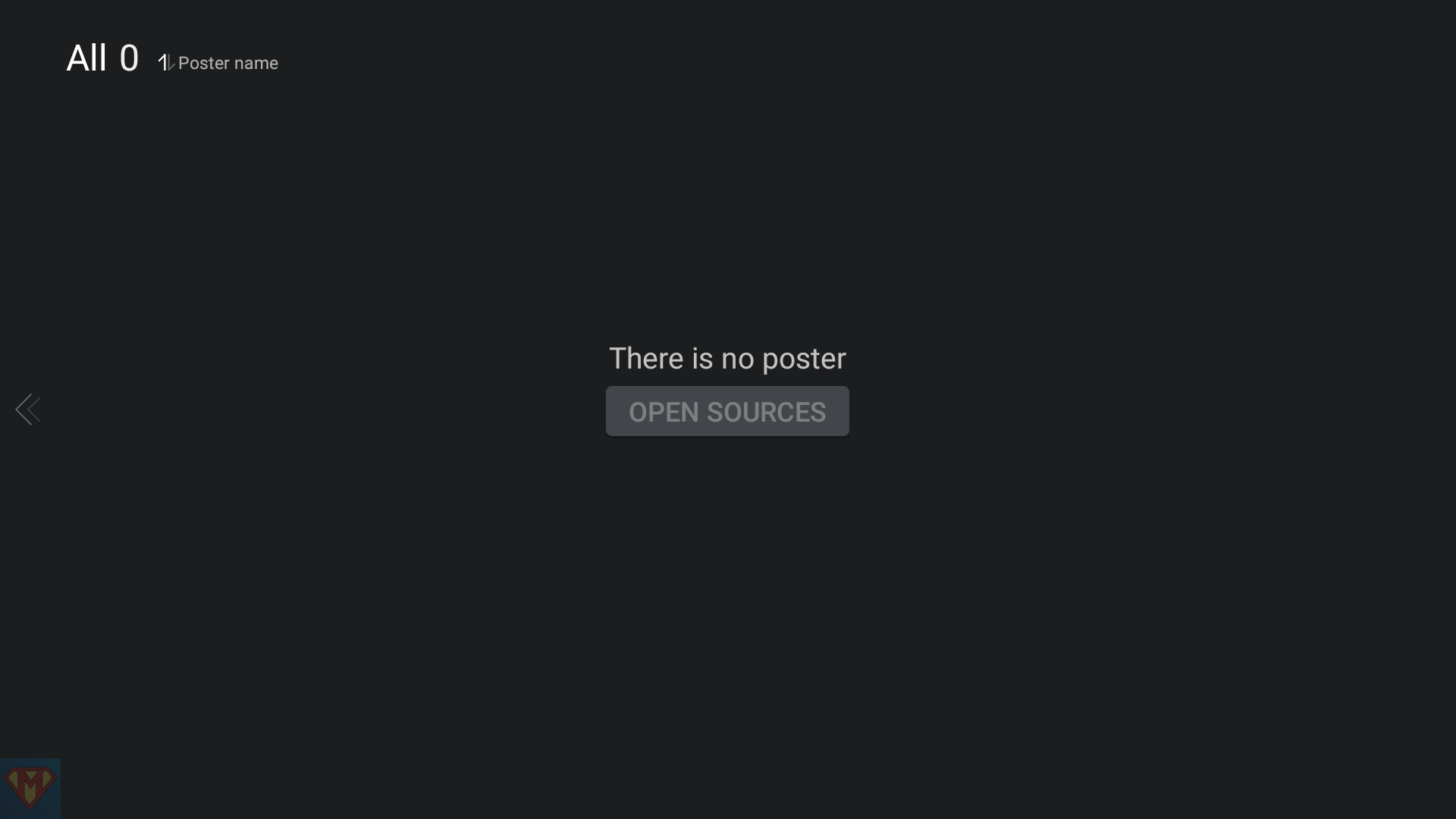
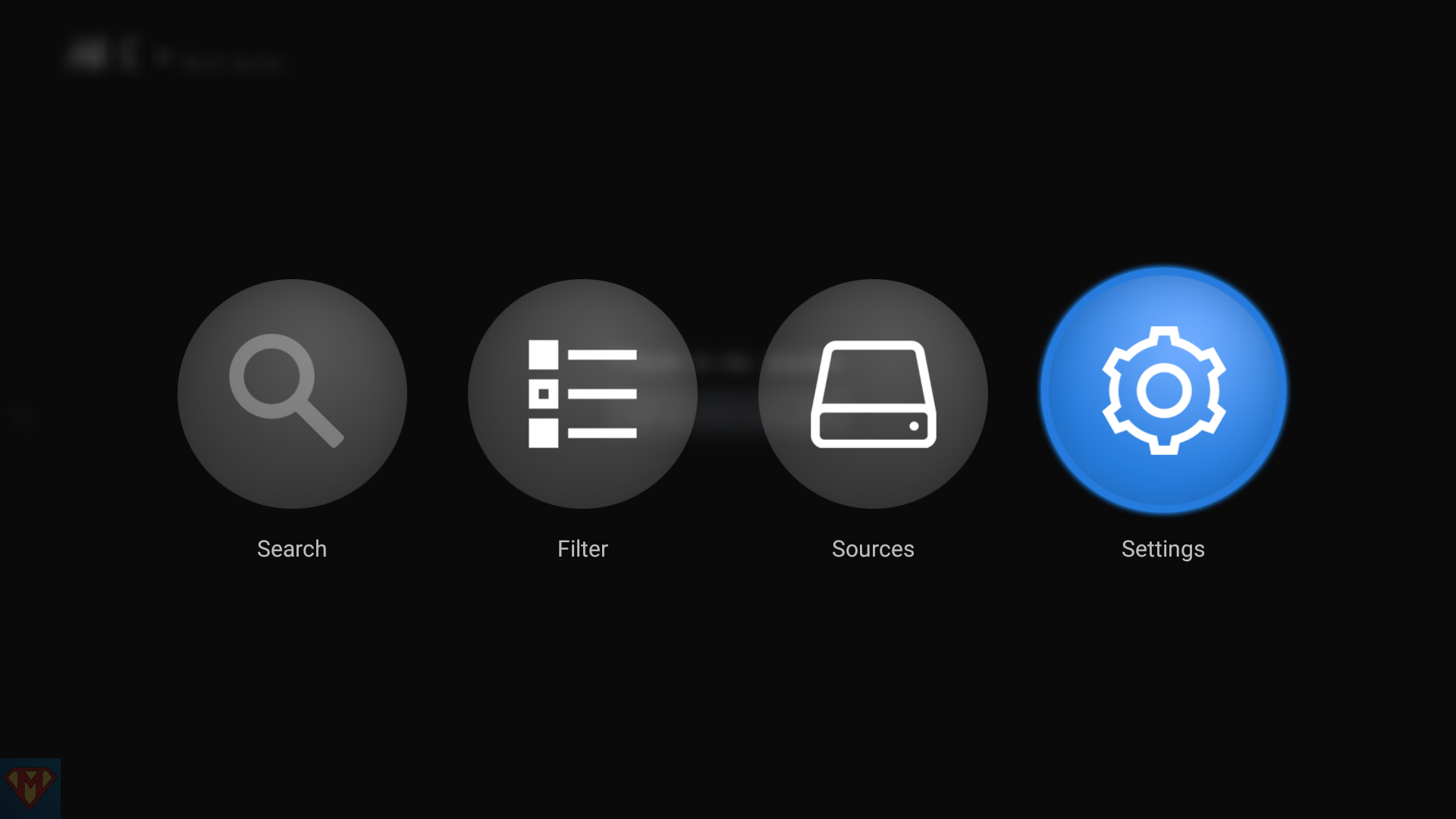
Start Home Theater